Setup Backup And Data Retention Period
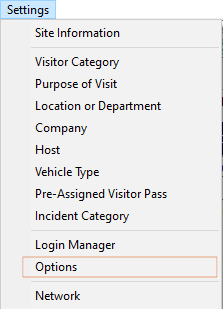
Click Settings Menu and Select Options:
In the options windows, click on the Auto Backup & Clean Database tab:
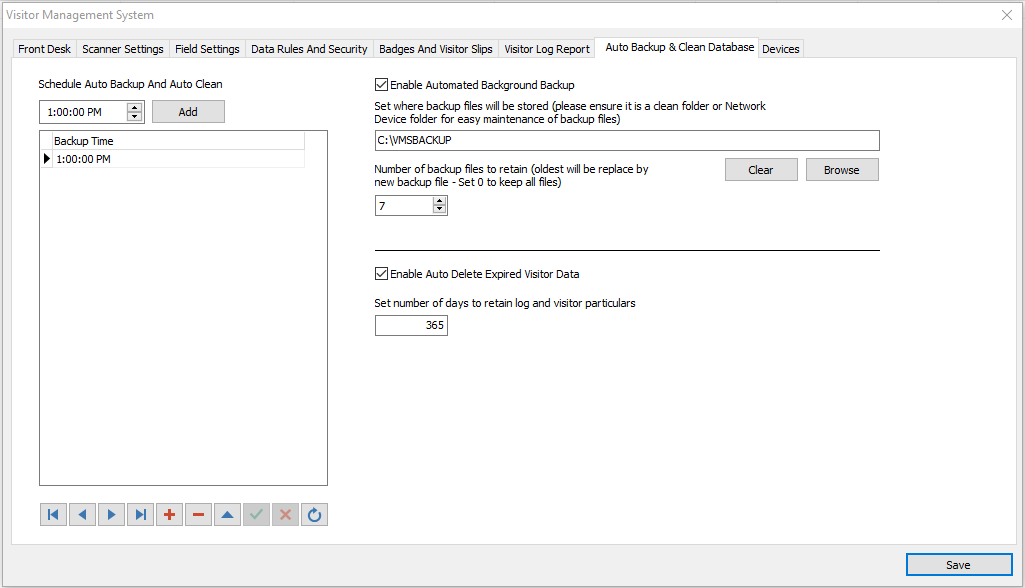
Set Auto Backup
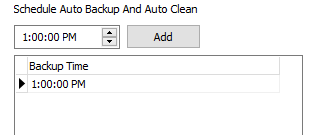
Select a suitable time for daily backup and click Add button. Several time slots can be added for backup.
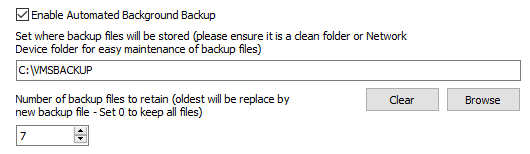
Enable the Automated Background Backup.
Set the drive and folder to 'backup to' - preferably use another drive other than the one the visitor management system is installed on.
In the event of hard drive failure, backup will be available from another drive.
Set the day limit for before when, the backup files will be recycled.
Set Data Retention
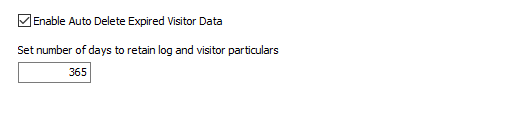
Enable this feature, if data needs to be cleared (amount of days).
Then set the number of days to keep data.