Visitor Check-In
The visitor registration form will open if user logs in as Standard User.
An Administrator user can click  Front-Desk Screen button.

 button will open the visitor registration form

 button to read information from MyKad
 button to scan in data from passport / driving license
 button to search database for a car number plate

Fill in the required fields and click the REGISTER VISITOR BUTTON
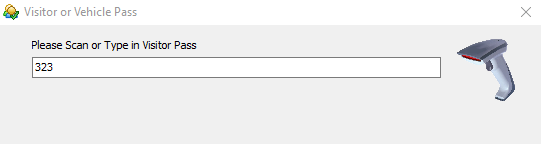
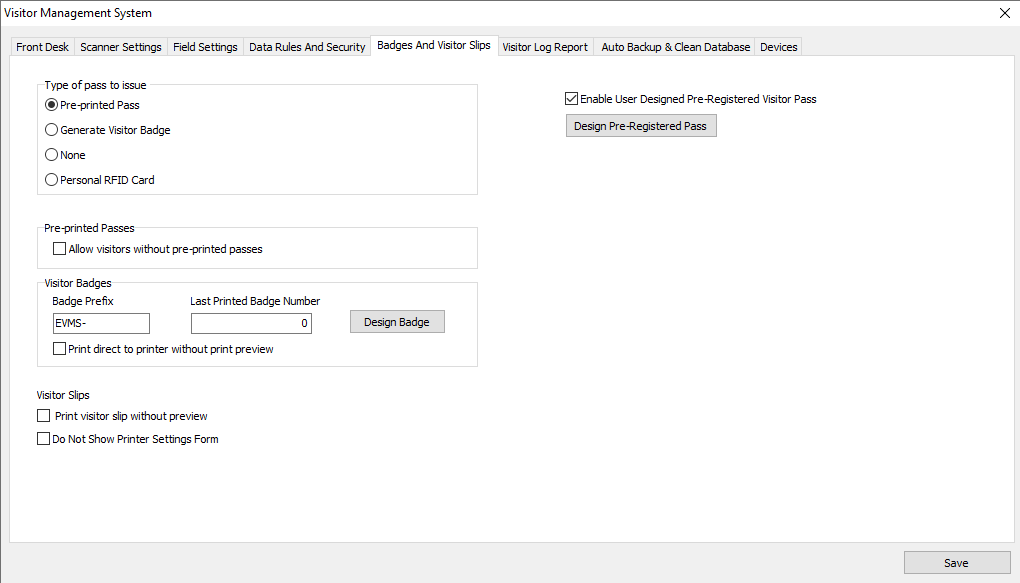
Enter a pass number - this window can be turned off or changed by admin under the Options menu - Badges And Visitor Slip Tab.
Login as admin to change the settings for issuing passes to visitors.