User Logins
There are two levels of users.
- Administrator
- Standard User
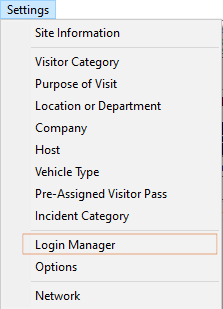
To create user logins, Click Settings Menu and Select Login Manager:
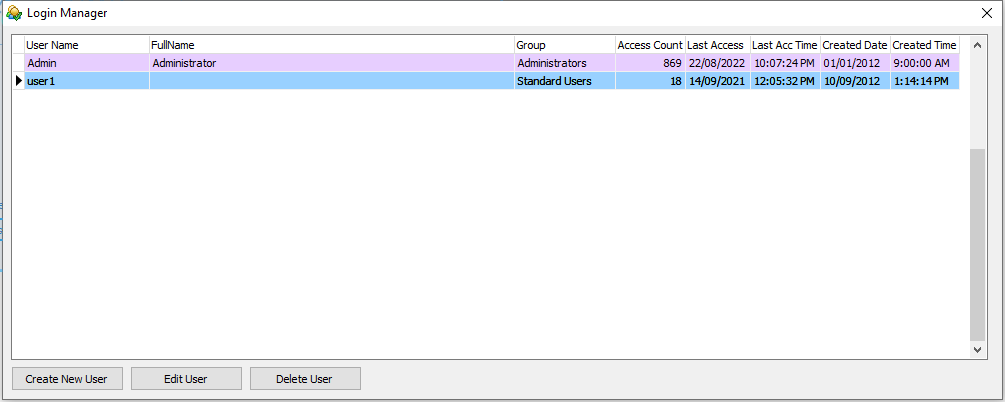
Click 'Create New User' button, to register a new user for the Visitor Management System (designate as Administrator or Standard User in the Group Drop-down):
Create new user windows:

In 'Group', select either Administrator or Standard Users.
Fill in other information.
IMPORTANT NOTE - Good passwords ensure the security of data. Do no use easy to guess passwords.
Make sure all accounts are password protected. Any unused accounts should be deleted as soon as possible.