Generating Reports
Admin user can generate reports by using the Calendar Control and data filter boxes.

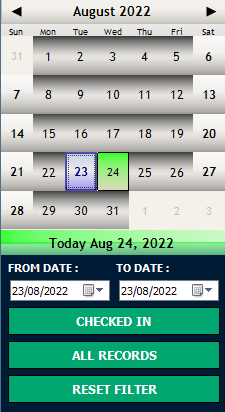
Click on a date to show visitor log for that date.
To view data for a range of dates, click on start date, hold down the SHIFT key and click on end date.
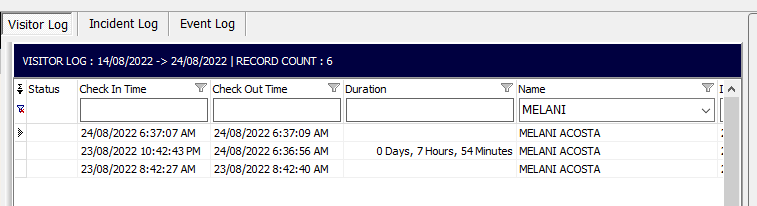
Filter visit log data by using the search box above the data column. Type in the search text as shown below in the name column. (the search is case sensitive)
 Click the funnel icon found near columns names to use a drop down box to filter visitor log
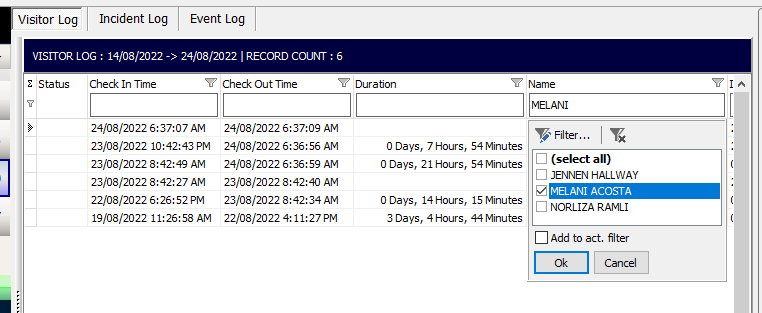
 Click Reset Filter to turn filter off
Filtered data can be exported to CSV, printed or present in graphical report.

Export data on grid to CSV file

Print data on grid to printer / save to PDF

View report / graphs of data shown on grid