Administrator Window
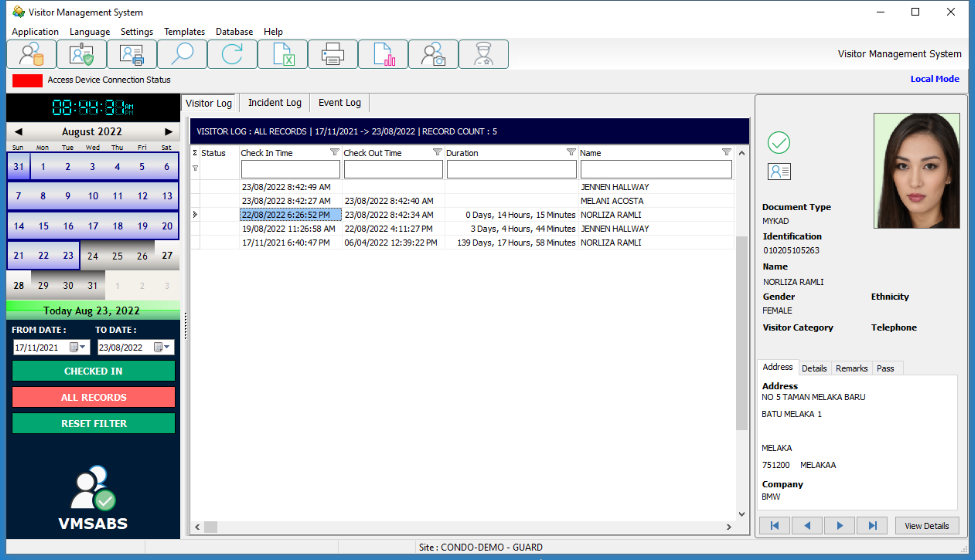
Once logged in as an Administrative account, the window shown below will opened.
An administrator can setup rules, create user account, configure database backup and generate reports.
Top Menu

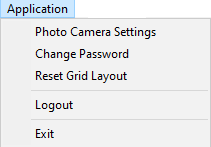
Application
Photo Camera Settings Bring up control panel to select instant face photo camera
Select webcam to be used for face capture / resolution / brightness etc.
Change Password Change current admin users password
Reset Grid Layout Reset the column size and arrangement of the data grid

View / Edit Visitor Profiles

Preregister Visitor Profile

Print visitor pass

Search data

Refresh data

Export data on grid to CSV file

Print data on grid to printer / save to PDF

View report / graphs of data shown on grid

Open Visitor Registration Window
