Support
Support can be provided using the remote support tool TeamViewer. This advanced software allows for remote diagnosis of problems and training.
You will require the Internet to use this option. Every time this option is selected, a new password or session will be generated for you.
You will need to give the password or permission to the software support person to access your PC.
Start the support from the help menu in software in the Administrator Window or the Login Window
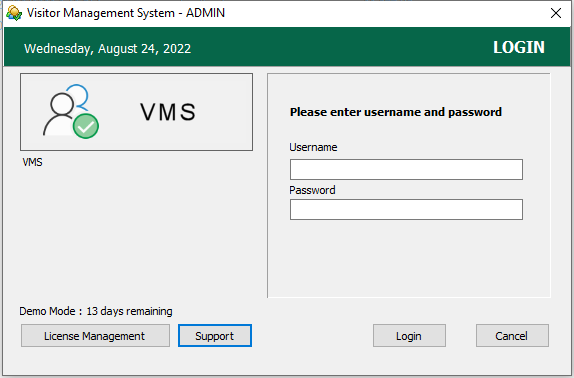
Teamviewer QS support software is shown below

Or Download Support Software From The Internet
http://help.geni.software
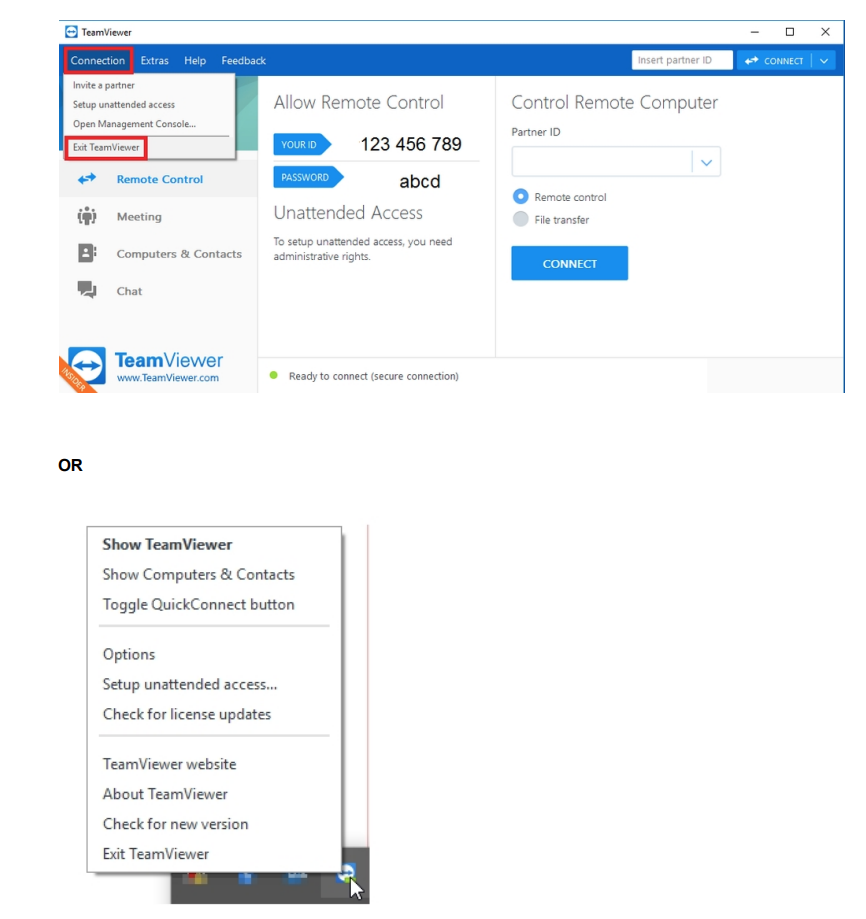
** If you have another session of TeamViewer running, that session will need to be closed before open remote support.
Open the running TeamViewer and Exit TeamViewer or find the TeamViewer icon in the tray and exit
Email : info@genisoftware.net
Web : www.genisoftware.net
www.genisoftware.com.my