First Time Login / Reset Password
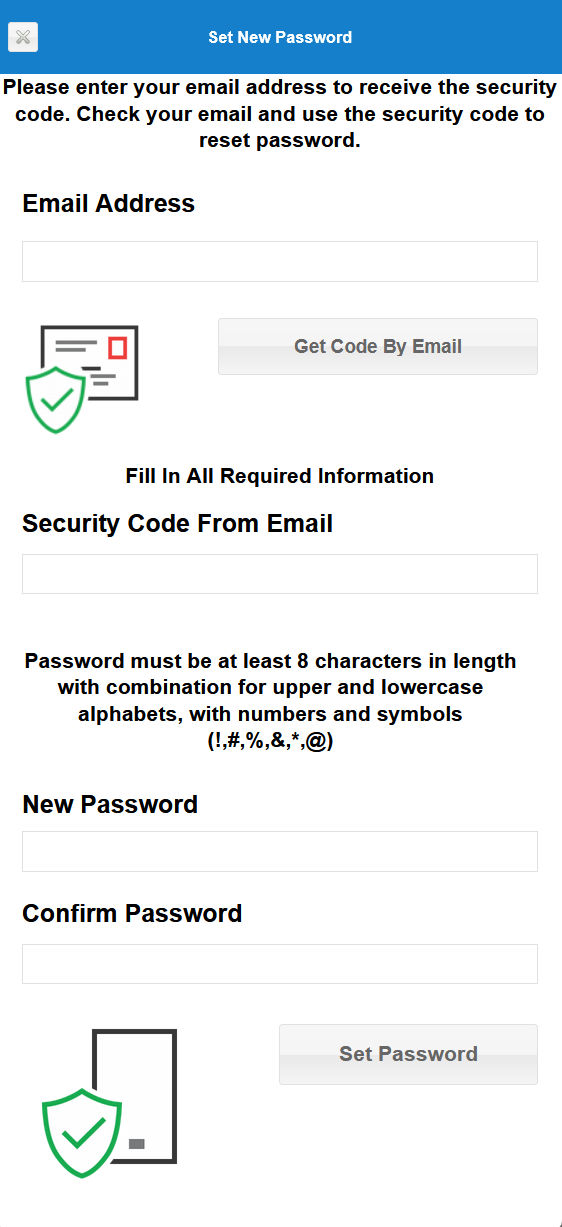
To set or reset the password, the MyVisitor QR code system will
send a six digit verification code to the registered email. Only by using the
sent code, can the password be set or reset.
Enter the registered email into the box and click the 'Get Code By Email' button.
Check the email box for the email with the code.

Once the button to 'Get Code By Email' is clicked, the screen will expand
to enter the received six digit code and the new password. Please follow
the password rules to set or reset password.