Main Window
MAIN WINDOW
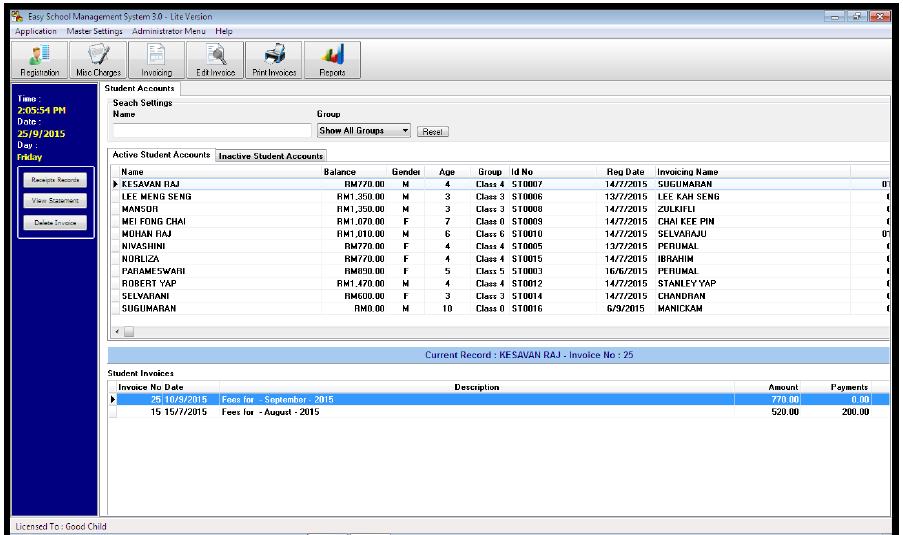
The following may be done through this window:
All Master Settings
All operational activity
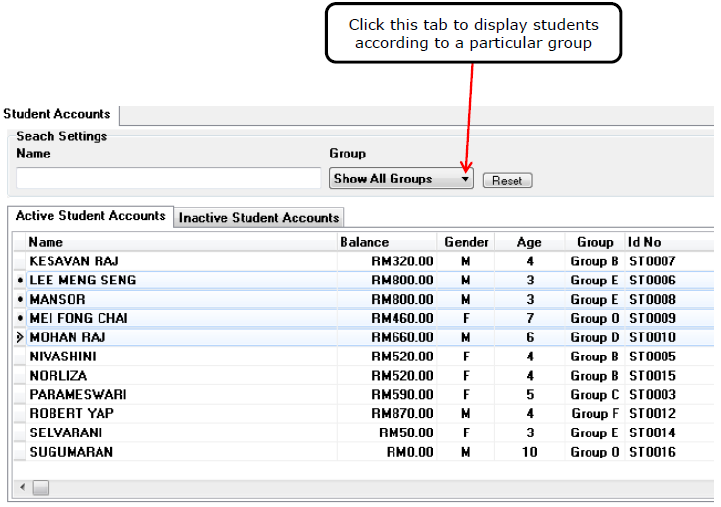
Displaying students list according to group
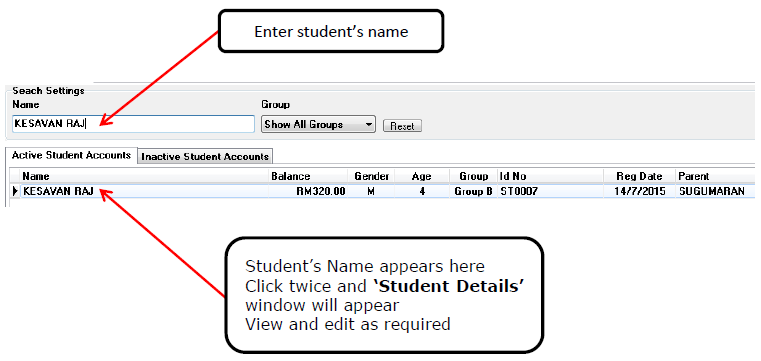
To view and/or edit selected 'Student Details' window
First enter student's name in the box provided.
To view and/or edit selected 'Invoice Details' window
Click twice on selected invoice.
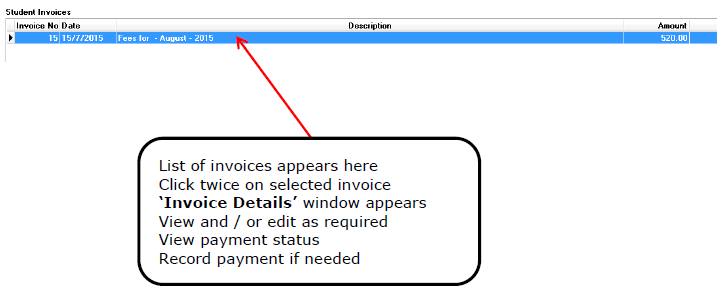
'Left Tabs' operations
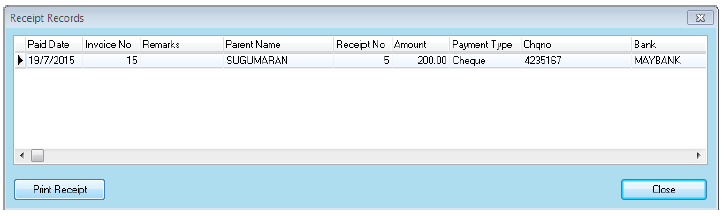
Receipts Records
FIRST Select the student on the Main Window [Top]
SECOND Select the invoice on the Main Window [Bottom]
Click this tab to view selected student’s ‘Receipt Records’ window. The receipt may also be printed.
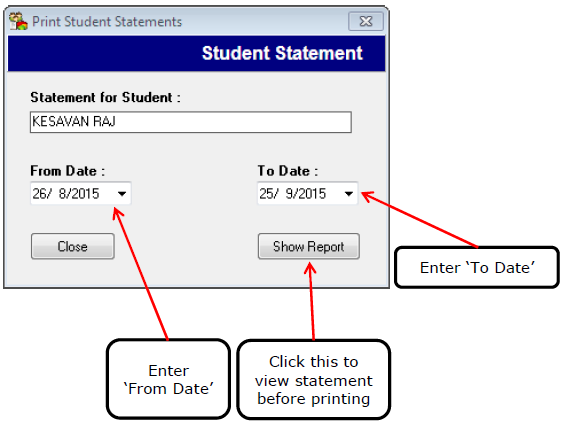
View / Print Statements
FIRST Select the student on the Main Window [Top]
Click this tab to view the following 'Print Student Statements' window
Enter from and to date
Click the 'Show Report' tab
View and / or print statement
Delete Invoices
FIRST Select the student on the Main Window [Top]
SECOND Select the invoice on the Main Window [Bottom].
Only open invoices can be deleted. Closed invoices cannot be deleted.
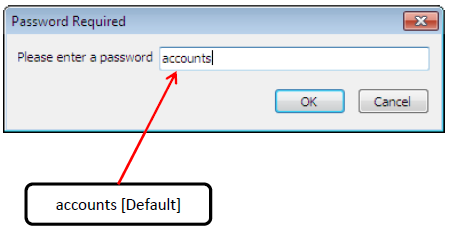
Click this tab to delete the selected invoice. Following window appears. Enter password and click 'OK'.
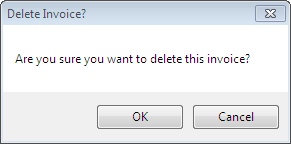
Following confirmation window appears. Click 'OK' to delete.