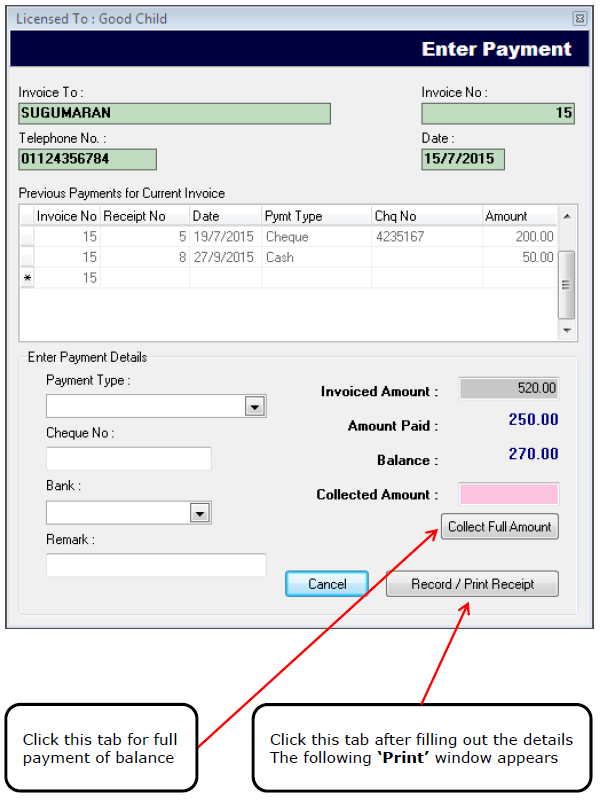
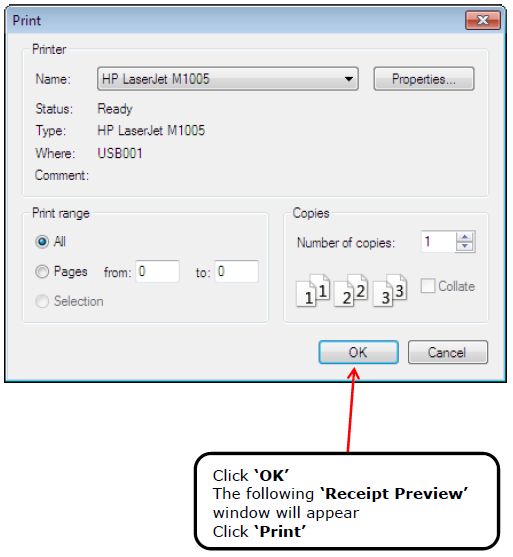
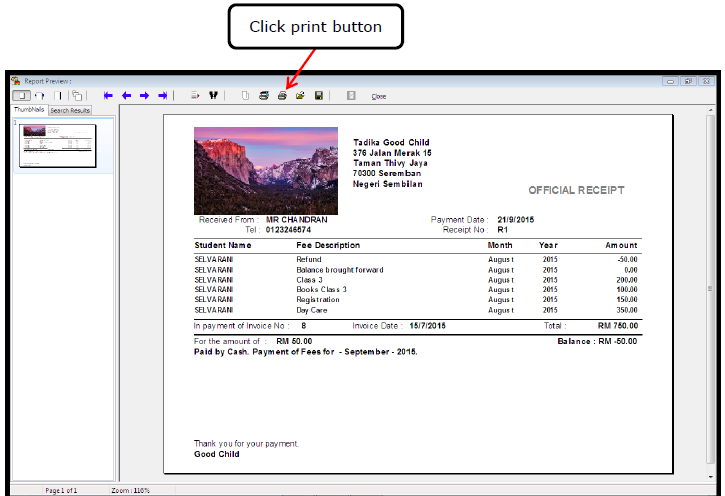
TUITION CENTER VERSIONOPERATION SETUP AND INSTRUCTIONS'Edit Invoice' Button - How to Open an Invoice Enter Payment / Print Receipt ENTER PAYMENT AND PRINT RECEIPT FIRST open the 'Invoice Details' window SECOND on the 'Invoice Details' window click the 'Record Payment' tab The following 'Enter Payment' window appears 'Print' window