Launching Visitor Management System

- Locate the Visitor Management System shortcut on the desktop or Windows start menu
- Double click the shortcut in the desktop or single click it in Windows start menu
- At the login form enter the desired login credentials
Default username : admin
no password
Or for front desk username : user1
no password
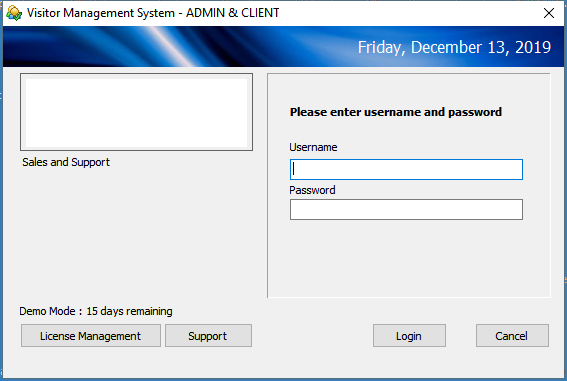
Depending on the user privilege set in the login manager, the login will open either the Administrator Screen
or the Front Desk Screen