Setting Up Software
Main admin window:
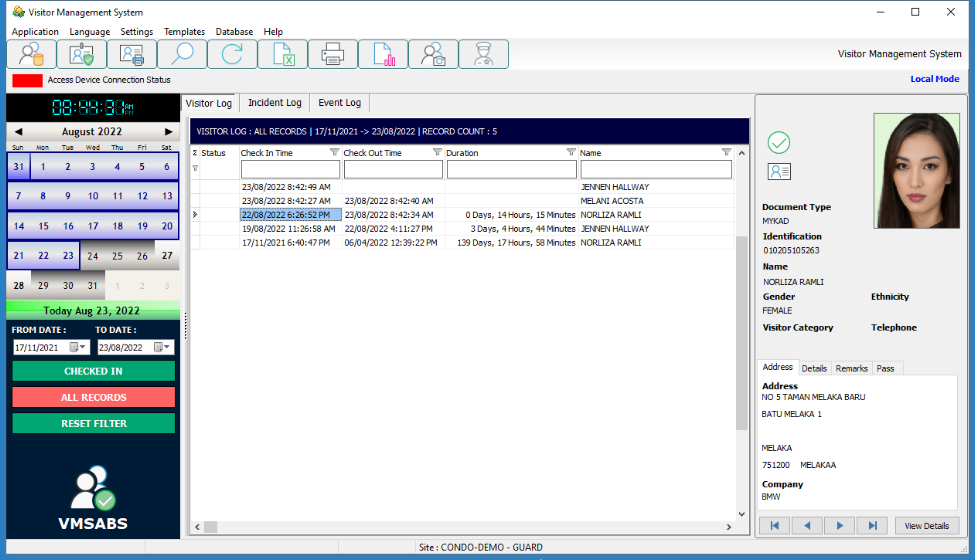
The following pages shows how to setup the Visitor Management System for ease of use
by reception or guard station.
Definition of icons and buttons for the Visitor Category, Purpose Of Visit and other settings will be shown in the following pages.
IMPORTANT :
SET AUTO BACKUP AND DATA RETENTION PERIOD
The following pages will have the database navigation buttons shown below:

Definition of the buttons are below:
Navigation to start / end of data or previous / next record

Add or Delete record

Save / Cancel / Refresh Data
