Installation
Before installing the software, ensure the computer system meets the suggested specifications.
The computer used, should be reliable and stable in its general operation.
An unstable computer will cause data corruption.
A reliable computer is a must, since the Visitor Management System is running for 24hrs / 7 days a week.
An uninterrupted Power Supply is highly recommended for it reduces data corruption and
unwanted down time.
Visitor Management System Installer can be downloaded from the link below :
http://vms.geni.software
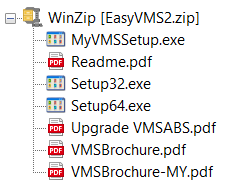
Unzip the compressed file to a folder of your choice:
**IMPORTANT**
Make sure the card reader is not plugged in until the the installation is finished.
The main installer file is called MyVMSSetup.exe
Double click on the file to start the installation process.
By default the Visitor Management System software and data files
will be created in the C drive in the folder named MyVMS.
The installation will also install the smart card reader drivers for the model EZ100PU
normally supplied together with VMS Software.
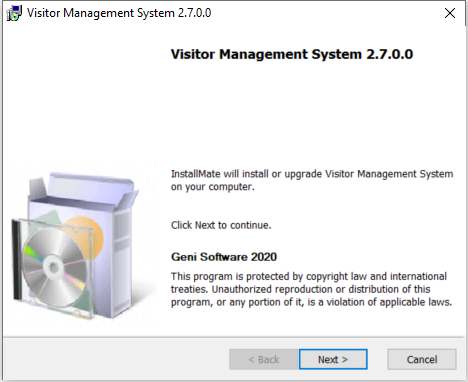
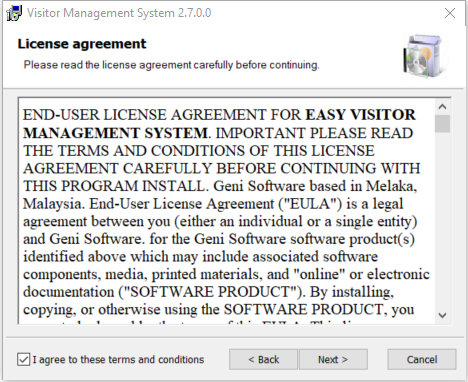
Start the installation, accept the license agreement and click next/install on all of
the installation form.
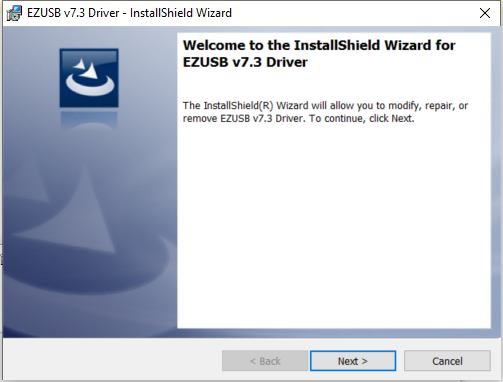
The form shown below is for the Smart Card Reader driver installation.
Continue with the installation by clicking the Next button.
On the form shown below, click the Apply button and close the form to complete the installation.

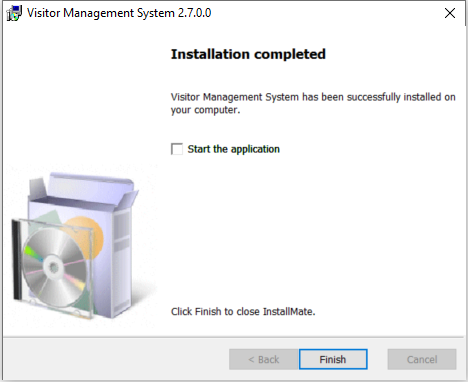
The last form for the installation procedure is shown below:
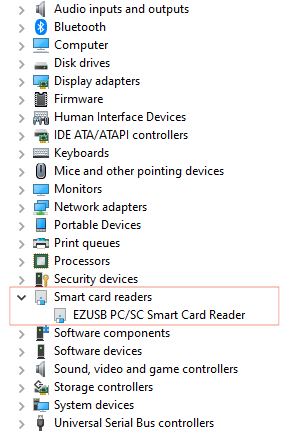
Before starting the application, plug in the Smart Card Reader and let the
computer install the driver for the device.
There will be an entry for Smart Card Reader as shown below:
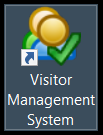
A new icon will appear on the Desktop. Double click on the icon to launch
the Visitor Management System.
Click and wait for the software to start, it would take a few seconds for the
software to setup a new database or check settings before launching.